RESTAURANTS · 2026-11-23 · 6 min read
How Restaurants Can Take Orders on WhatsApp
By Saqib Usman, Full Stack Developer
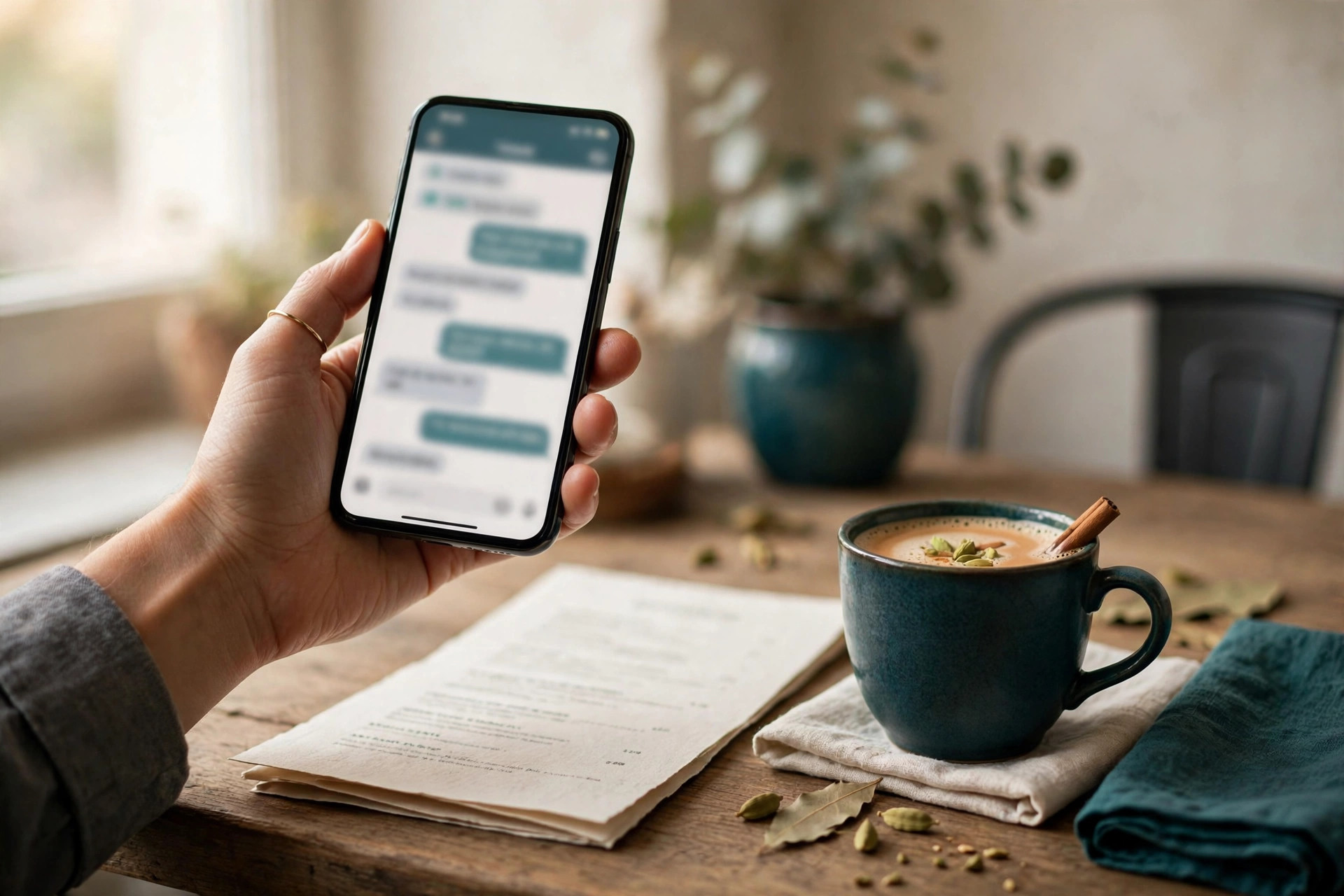
Walk into any small restaurant in Pakistan at lunch time and you will hear the same sound over and over: the phone ringing. Someone wants to order, someone wants to ask the price, someone wants to know if delivery is available to their area. Most of these customers already have WhatsApp on their phone, and most of them would rather send a message than make a call. That is why WhatsApp has become the easiest ordering channel a small restaurant can set up. There is no app to build, no commission to pay on every order, and no new habit for your customers to learn. You only need a clear menu, a simple way to take the order, and a routine your staff can follow when the messages start coming in fast.
1. Why WhatsApp works for food orders
The biggest reason is simple: your customers are already there. A food delivery app has to be downloaded, an account has to be created, and the customer has to search for your restaurant among hundreds of others. On WhatsApp, they message the number they already have saved, or the number printed on your menu and your shop board. The conversation feels personal, too. A customer can ask a question, change an item, or add a note about spice level, and get an answer in seconds. For the restaurant, the cost is close to zero. WhatsApp Business is free, and you keep the full value of every order instead of paying a percentage to a marketplace. That margin matters a lot for a small restaurant where every rupee counts.
2. Set up WhatsApp Business properly
Start by installing WhatsApp Business on a dedicated phone number, not the owner's personal number. The business app gives you tools the normal app does not have, and keeping orders on a separate number means the owner's private chats never mix with customer orders. Fill in the business profile completely: your restaurant name, your address, your opening hours, and a short description of what you serve. Add your full menu as a catalogue inside the app, with a photo and a price for each item. When a customer asks for the menu, you can send the whole catalogue in one tap instead of typing out prices one by one. Set up a greeting message that welcomes new customers and tells them how to order, and set an away message for hours when you are closed, so nobody waits for a reply that is not coming.
- Use a separate business number, not a personal number
- Add every menu item to the catalogue with a photo and a price
- Write a greeting message that explains how to place an order
- Set an away message for closed hours
- Use labels to mark orders as new, confirmed, preparing, or delivered
3. Make ordering easy for the customer
Customers abandon an order when the process feels like work. Make it as short as possible. Your menu should show the item name, the price, and the size, with nothing else in the way. Tell the customer exactly what to send: their items, their address, and their payment choice. A simple format works best, for example, two chicken biryanis, one family naan, delivery to Gulberg, payment by cash on delivery. Pin that instruction in your greeting message and on your menu card so customers do not have to guess. If you deliver to some areas and not others, say so clearly, with the delivery fee for each area. Nothing slows down ordering more than a customer who has to ask three questions before they can place a simple order.
4. Keep a simple order routine for your staff
WhatsApp ordering fails when nobody owns the replies. At busy hours, messages pile up, two staff members answer the same customer, and an order gets missed. Give one person the job of watching the WhatsApp number during each shift. When an order arrives, they should confirm it in one message, with the total amount and the expected delivery time, and then mark it with a label so the kitchen knows it is confirmed. A paper order slip or a simple notebook still works well at this stage: write the order number, the items, the address, and the phone number, and hand it to the kitchen. At the end of the day, count the slips and compare them with the chats. That small routine catches missed orders before a customer has to call and ask where their food is.
5. Take payments without confusion
Most small restaurants in Pakistan take cash on delivery, and that is fine. It removes the biggest worry for a first time customer. If you also accept mobile payments, keep it simple: one account number, printed clearly, and ask the customer to send a screenshot of the payment with their order. Confirm the payment before the food leaves the kitchen. Do not accept orders with no name, no address, and no phone number, because those are the orders that get cancelled or never collected. A quick confirmation message solves most of this. It tells the customer the total, the delivery time, and that their order is confirmed, and it gives you a written record of exactly what was agreed.
6. When WhatsApp is not enough anymore
WhatsApp works well up to a point. When your restaurant is taking fifty or a hundred orders a day through chat, the manual work starts to hurt. Messages get missed, the catalogue gets out of date, and there is no proper record of what sold and what did not. That is the time to add a simple ordering system, either a small online menu page that sends orders into WhatsApp automatically, or a proper ordering app of your own. The good news is that you do not have to start there. WhatsApp lets you prove that customers want to order from you online, learn what they order most, and build a regular customer list, all before you spend anything on software. Start with chat, grow the habit, and upgrade when the volume tells you it is time.
A short checklist to start today
- Set up WhatsApp Business on a dedicated number
- Add your full menu to the catalogue with photos and prices
- Write a greeting message that explains how to order
- Give one staff member the job of answering orders each shift
- Confirm every order with the total and delivery time
- Print your WhatsApp number on your menu, your shop board, and your packaging
- Save every customer number and message them about new dishes and offers
Keep reading.

Want something like this built?
I build restaurant systems, business websites and web platforms for clients. Tell me about your project and I will get back to you.
Start a project →