MARKETING · 2026-11-21 · 6 min read
How to Turn Your Instagram Page Into Orders
By Saqib Usman, Full Stack Developer
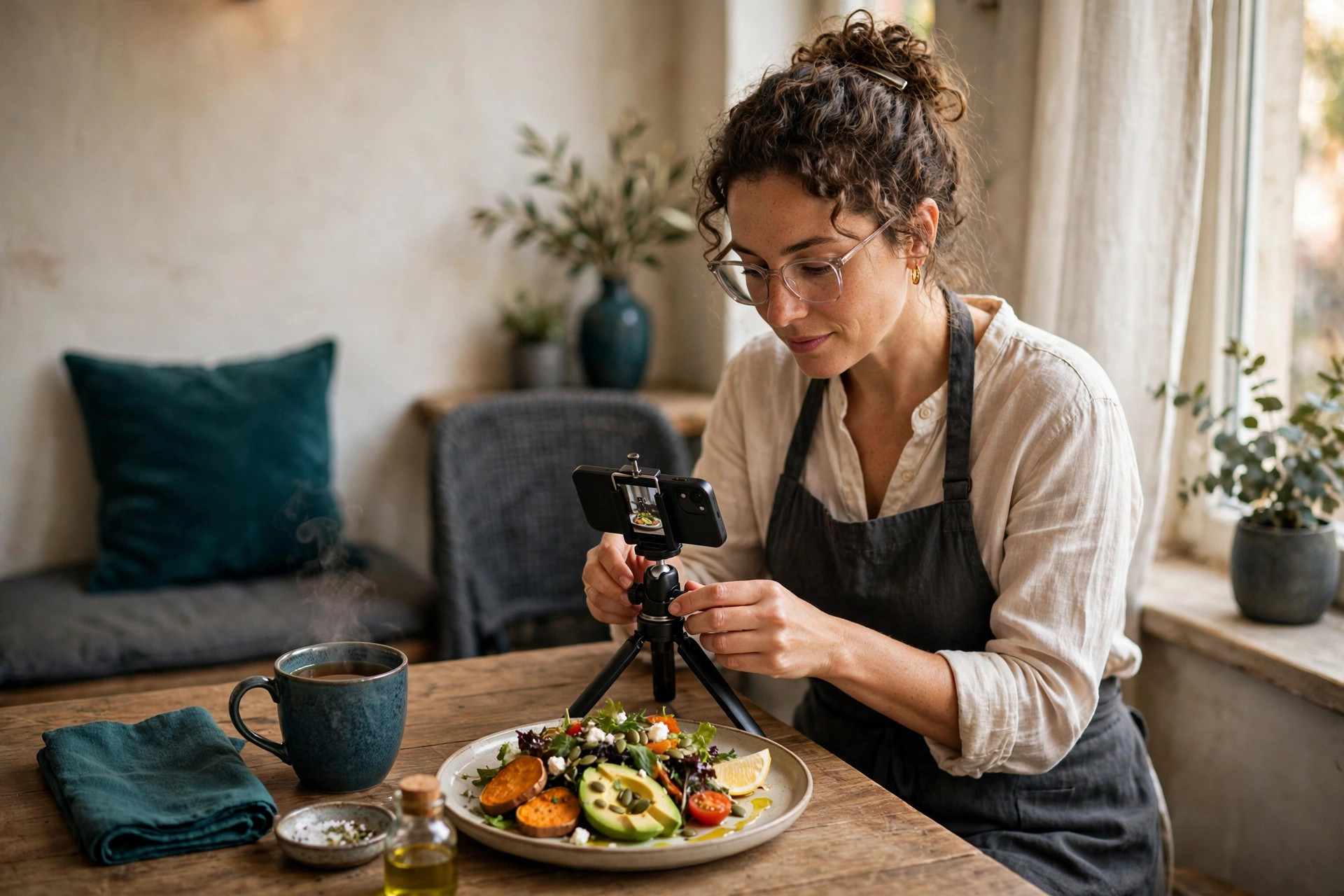
Most small businesses treat Instagram like a notice board. They post a photo, add a few hashtags, and wait for orders that never come. The problem is not the platform. Instagram is where your customers already spend their time. The problem is that a pretty feed is not a shop. Turning followers into orders takes a few deliberate changes: a profile that tells people how to buy, posts that make ordering easy, and replies that arrive fast enough to keep the sale. Here is how to do it, step by step.
1. Your profile is your shop window
Before anyone reads a caption, they read your profile. In five seconds they should know what you sell, where you are, and how to order. If your bio only says the name of your business and a vague line about quality, you are losing customers at the door. Write what you sell in plain words, add your city, and make the link in your bio lead somewhere useful. For most small businesses in Pakistan, that link should open WhatsApp, or your own ordering page, not your homepage. A customer who has to search for a way to buy will usually give up. Your profile photo should be your logo or a clear photo of your best product, not a blurry picture of the shop front. And use the highlights to answer the questions every new visitor asks: the menu or price list, delivery areas, timings, and how to order. Highlights are free, they sit at the top of your profile, and they do the work of a shop assistant for every visitor.
2. Make every post easy to buy from
A photo of a dish or a product is only half a post. The other half is the path to the order. Every post should tell the viewer exactly what to do next, and that step should be as short as possible. Saying DM to order is better than nothing, but saying WhatsApp us to order, with delivery in 45 minutes, is far better. Put the price in the caption, or at least the starting price, because a customer who has to ask for the price is a customer who may never ask. When you post a new dish, a new product, or an offer, say so clearly, and say how long it lasts. A post without a price, a delivery area, or a way to order is just a picture, and pictures do not pay the rent.
- Put the price, or the starting price, in the caption
- Say how to order in every post: WhatsApp number, link in bio, or DM
- Mention delivery areas and timings so customers know if you serve them
- Pin your best-selling product or your menu to the top of the grid
3. Use stories to sell every day
Your feed is your shop window, but your stories are your daily counter. Stories disappear in a day, so they are the right place for the things that change: the special of the day, the last few pieces in stock, a limited offer that ends tonight. A story with a poll, a question box, or a countdown sticker does more than a plain photo, because it invites a tap, and a tap is the first step toward a message. Show the food being cooked, the order being packed, the shop opening in the morning. Customers trust a business they can see working. Post stories every day, even if it is only one or two, because a page that posts stories daily stays at the front of its followers minds, and a page that goes quiet for a week is quickly forgotten.
4. Reels bring new people to your page
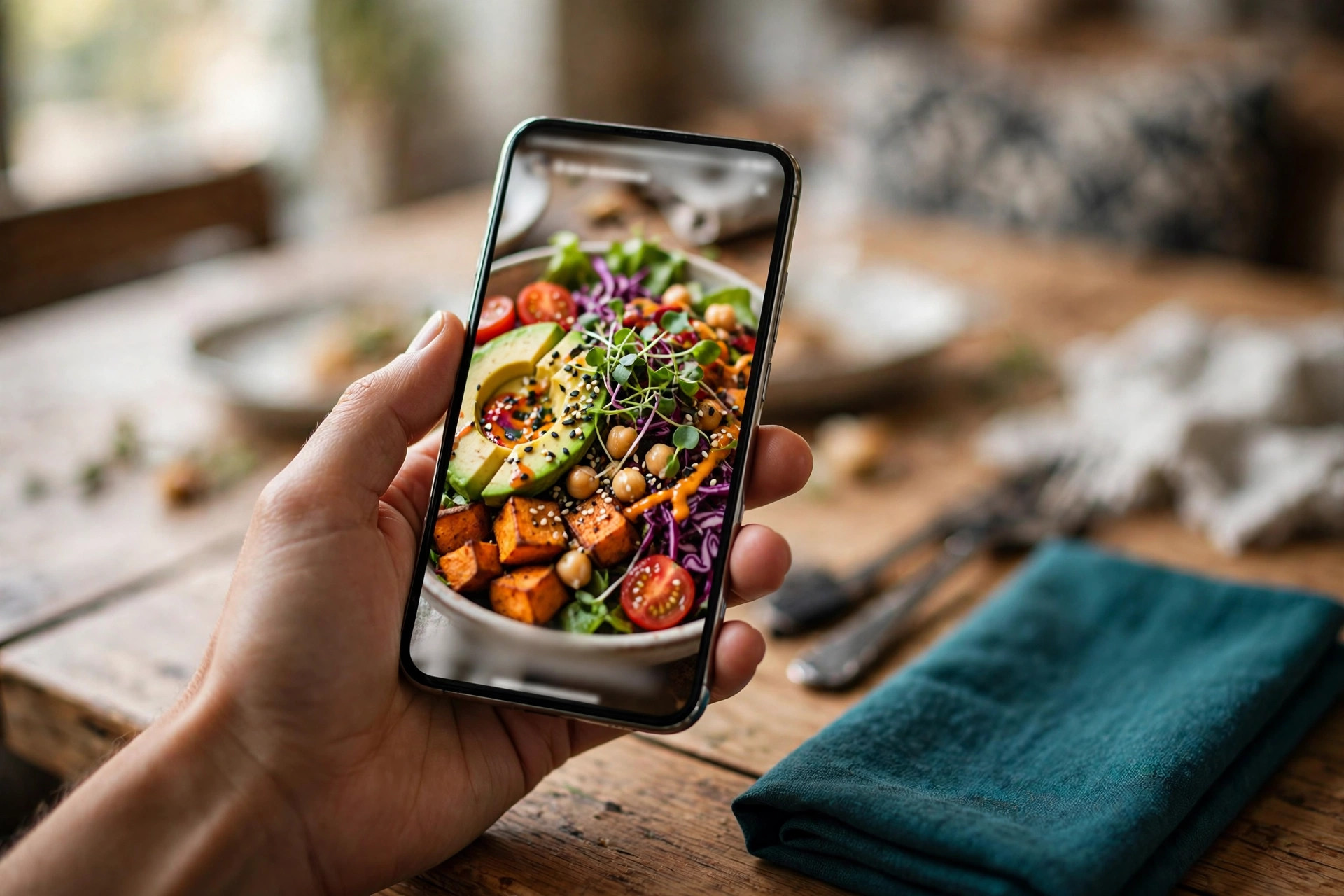
Reels are the fastest way to reach people who have never heard of you. Instagram shows reels to strangers, while your feed posts mostly reach people who already follow you. A short reel of a dish being made, a product being used, or a before and after of your work can reach thousands of new people in a day, and some of them will follow you, and some of those will order. Keep reels short, under a minute, and show the interesting part in the first two seconds. Film in daylight, keep the phone steady, and use the sounds that are already popular on the platform. You do not need a camera or editing software. A phone, good light, and a real moment from your business are enough.
5. Answer fast, and take the order where the customer already is
This is the step where most orders are lost. A customer sends a message, waits an hour for a reply, and orders from someone else. On Instagram, a fast reply is part of the service. If you cannot watch the inbox all day, set up quick replies for the questions you get most often: prices, delivery areas, and timings. Better still, move the order to WhatsApp, where the conversation is easier and the customer is used to placing orders. Put your WhatsApp number in your bio and in your stories, and answer within minutes during working hours, not hours later. A customer who gets a quick, friendly answer is far more likely to order, and to order again.
6. Let happy customers sell for you
A photo you post of your own food is an advertisement. A photo a customer posts of the same food is a recommendation, and recommendations sell more. When a customer tags you, share their post in your stories and thank them. Ask happy customers for a short review and post it, with their permission. A few honest reviews on your profile do more than a week of your own posts, because new visitors trust other customers more than they trust a business talking about itself. Keep it simple: a screenshot of a kind message, a photo of a delivered order, a short video of a customer enjoying the food. Real customers, real words, no exaggeration.
What to do this week
- Rewrite your bio so it says what you sell, where you are, and how to order
- Add highlights for your menu or price list, delivery areas, and timings
- Put your WhatsApp number in your bio and in every story
- Post one story a day, and one reel this week showing your work
- Answer every message within minutes during working hours
- Share one customer review or tagged photo on your profile
- Put the price and the ordering step in every new post
Instagram will not turn into orders on its own, and it will not do it overnight. But a page that tells people clearly what you sell, shows them how to order, answers fast, and proves other customers are happy will slowly turn followers into regular customers. The businesses that get orders from Instagram are rarely the ones with the most followers. They are the ones that treat the page like a shop: open every day, easy to buy from, and quick to answer the door.
Keep reading.
Want something like this built?
I build restaurant systems, business websites and web platforms for clients. Tell me about your project and I will get back to you.
Start a project →