RESTAURANT TECH · 2026-11-13 · 5 min read
Restaurant KDS: How Kitchen Display Systems Speed Up Orders
By Saqib Usman, Full Stack Developer
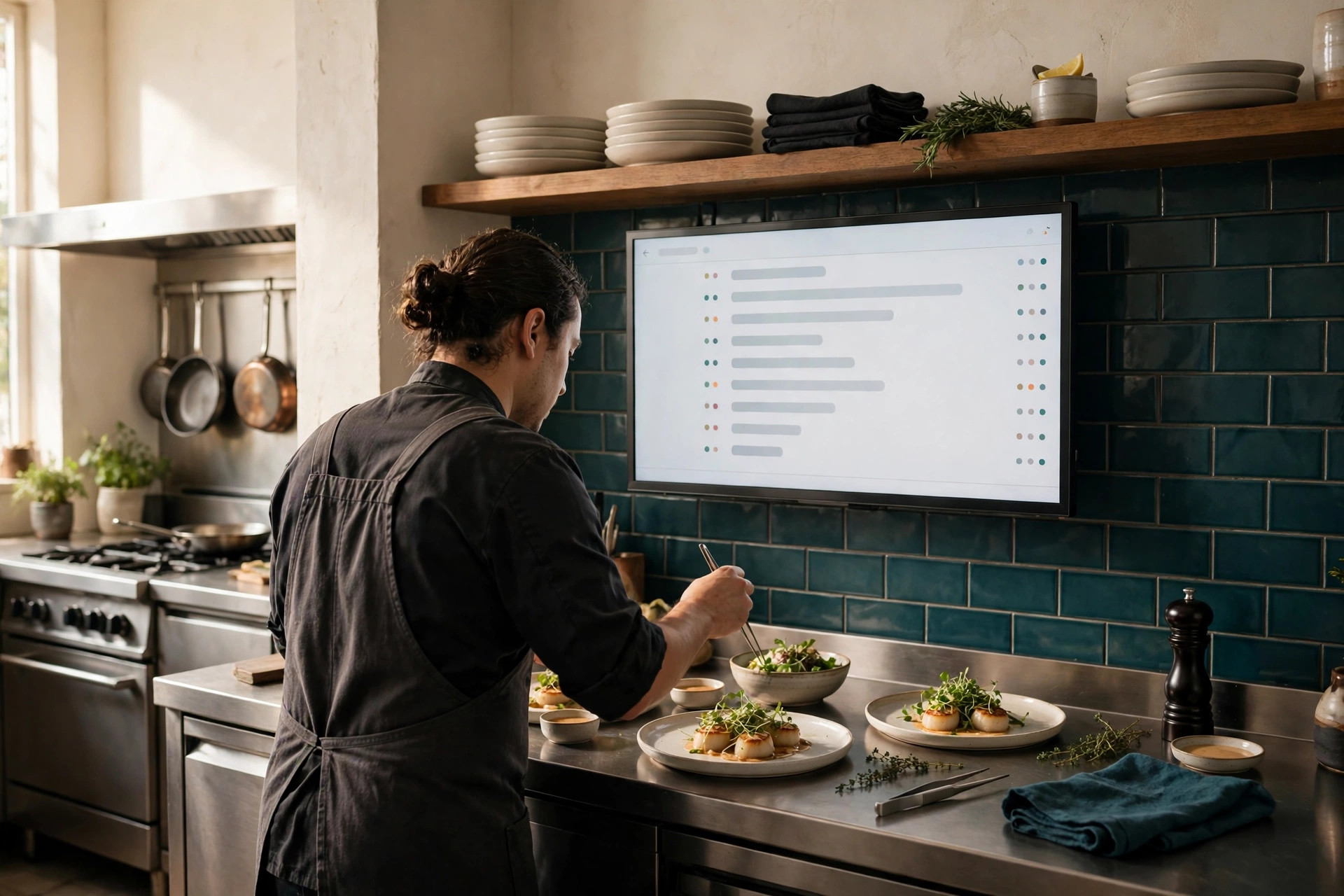
Every restaurant has the same rush hour problem. Orders come in fast, the kitchen is under pressure, and paper tickets start to pile up. A waiter misreads a ticket, a dish is cooked twice, an order is forgotten until a customer complains. None of this is a cooking problem. It is an information problem. A kitchen display system, or KDS, fixes it by replacing paper with a screen that shows the kitchen exactly what to cook, in what order, and by when.
What a kitchen display system is
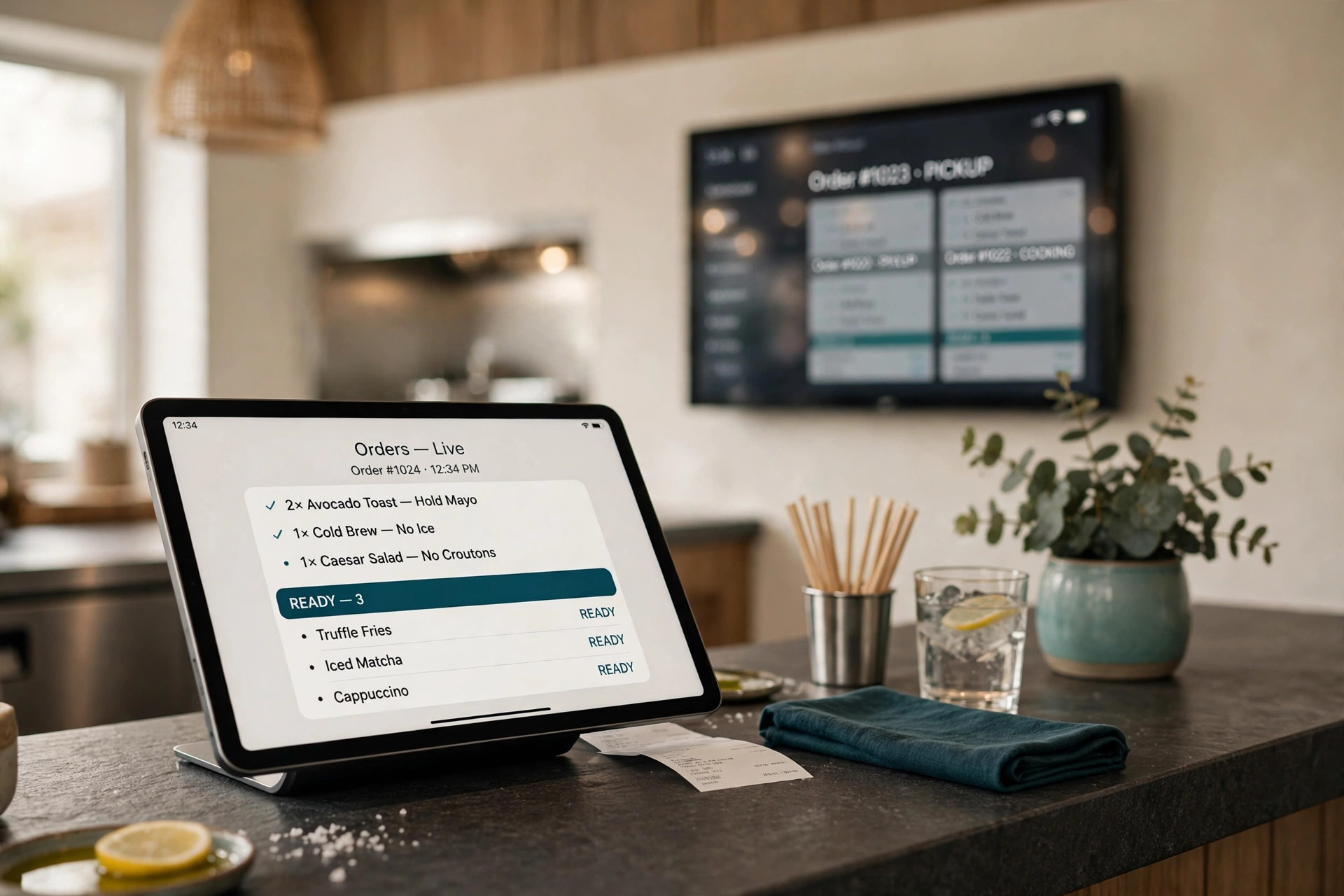
A KDS is a screen mounted in the kitchen that shows live orders as they come in. When a waiter takes an order on a tablet, or a customer orders online, it appears on the screen within seconds. Each order shows the table number, the dishes, any special requests, and how long it has been waiting. The kitchen team taps an order to start it and taps again when it is ready, and the waiter gets notified. There is no paper to lose, no shouting across the room, and no retyping.
The problem with paper tickets
Paper tickets worked when a restaurant had ten tables and a short menu. In a busy kitchen they become the bottleneck. Tickets get lost between the pass and the grill, handwriting gets misread during a rush, and nobody can tell at a glance which order is oldest. A ticket that falls on the floor is an order that never gets cooked. Worse, paper tells the owner nothing at the end of the day: which dishes took longest, which orders were delayed, or where the kitchen kept getting stuck.
- Tickets get lost, stained, or misread in a busy kitchen
- Nobody can see at a glance which order is oldest or most urgent
- The same dish gets cooked twice, or not at all
- Special requests and allergy notes are easy to miss on paper
- There is no record of how long each order took
How a KDS speeds up orders
The speed comes from removing the waiting between steps. With paper, an order travels from the table to the counter, then to the kitchen, then someone reads it and starts cooking. With a KDS, the order appears on the screen the moment it is taken. The kitchen sees it in the right sequence, so the first order in is the first order cooked. Cooks can see the whole queue, not just one ticket at a time, so they can start a slow dish early while a fast one waits its turn. And when an order is ready, the waiter is notified straight away instead of the food sitting at the pass getting cold.
One screen for every order source
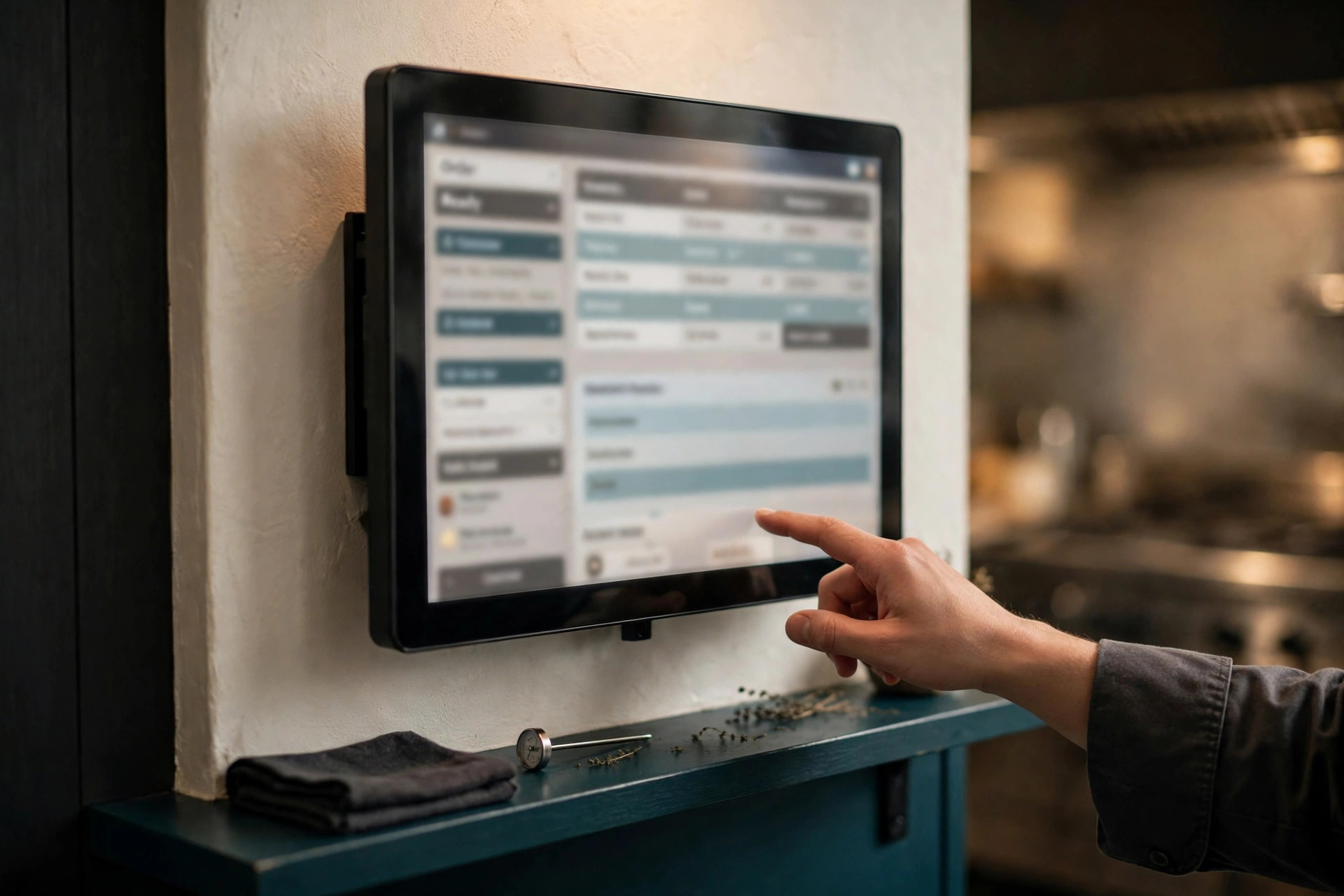
Most restaurants today take orders from more than one place: dine-in tables, takeaway counters, their own online ordering, and delivery apps. Without a KDS, each source runs on its own system, and the kitchen has to watch several places at once. A good KDS pulls every order onto one screen in one queue. The kitchen cooks in the order the orders arrived, no matter where they came from, and nothing gets cooked out of turn because one channel was louder than the others.
What the owner sees
A KDS is not only for the kitchen. It gives the owner numbers that paper never could. How long does the average order take from placed to served? Which dishes slow the kitchen down? At what time does the queue start to build up? An order that has been waiting too long can be flagged on the screen before the customer complains. Over weeks, that data shows whether the kitchen needs more staff at lunch, a simpler menu at dinner, or a better layout at the pass.
- Average preparation time for every dish and every order
- Orders that have been waiting too long, flagged before customers complain
- Busy periods shown clearly, so staffing matches demand
- A complete record of what the kitchen cooked, and when
Starting with a KDS is simpler than it looks
A basic KDS needs a screen in the kitchen, a small computer or tablet to run it, and a connection to the ordering system. Most restaurants start with one screen at the pass, then add a second screen at the grill or the dessert station once the team is used to it. The kitchen staff learn it in a day, because tapping a screen is easier than reading handwriting in the middle of a rush. Keep the paper tickets for the first week as a backup, and most kitchens never go back to them.
A kitchen display system does not change how your chefs cook. It changes how much of their time is spent guessing, shouting, and searching for lost tickets. The orders are clear, the queue is visible, and the food reaches the table faster. For any restaurant that feels slow during its busiest hours, the KDS is usually the cheapest fix with the fastest result.
Keep reading.
Want something like this built?
I build restaurant systems, business websites and web platforms for clients. Tell me about your project and I will get back to you.
Start a project →